

Poor communication is the most common complaint people bring to the Legal Ombudsman.
For lawyers, time is scarce. Seven in ten say admin takes up to half of their working time.
A call sits between those two facts. It is where clients feel heard and where a lawyer gets to the root of a problem fastest. Arranging one should take no effort from either side. Anyone who has traded five emails to find a free half hour feels this pain.
Why Calendly and other schedulers don't fit legal work
- Calendly
- Cal.com
- Google Calendar
- Microsoft Teams
Tools like Calendly, Cal.com, Google Calendar's appointment schedules and Microsoft Bookings in Teams are good at finding a free slot in a diary. For legal work, they fall short in a few places.
- They lack case context. A booking arrives as a name, an email address and a time. Nothing ties it to the case, the client's history or the reason for the call, so someone copies it across by hand.
- They don't know who should be booking. A booking link works for anyone who has it. In a firm, who may book whom depends on the case, and that changes as cases open, close and change hands.
- They assume everyone lives in their inbox. Many of our clients reach us on WhatsApp or by text. A scheduler built around email confirmations leaves them out.
- They add another surface area for client data. Every extra tool is one more vendor holding client names, numbers and notes.
At Remedy, we felt we could build something that works better: integrated with our own systems and designed with legal work in mind.
Fixing what lawyers dislike about booking client calls
These are some of the pain points we've designed around.
No more email chains to find a time
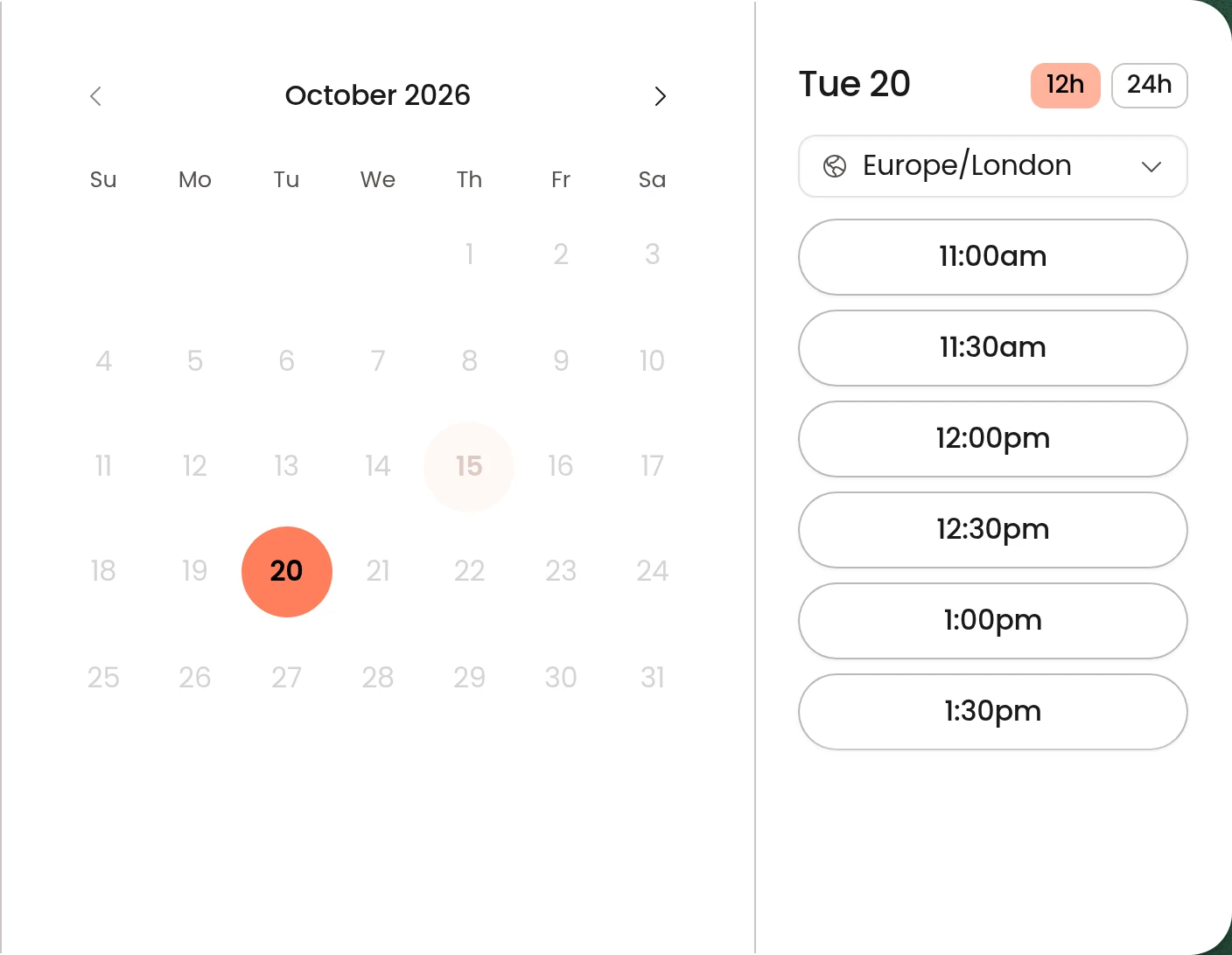
When a lawyer needs to speak to a client, they offer a call directly within the case. The client is notified and picks a time from the lawyer's real availability. Only that client can book it, and only while the case is open and the lawyer is still working on it.
Lawyers keep granular control over their availability
Each kind of call has its own hours, length, notice period and buffer. A lawyer can keep mornings for 30-minute introductions and afternoons for hour-long reviews, with 15 minutes either side to write up notes. A client can't grab 9:00 at 8:55, because every call needs a minimum notice period. Nothing is bookable unless the lawyer has said it can be.
Scheduling controls for lawyers
No double bookings
Remedy checks every calendar the lawyer chooses, then checks again at the moment the client confirms. Two clients can't take the same slot, even if they press the button in the same second. If a calendar can't be read, that lawyer's booking pauses until it can.
Rescheduling is handled for you
Every confirmation and reminder carries a link to reschedule or cancel. The client picks a new time and the same booking moves. The video link stays the same, the invite in the client's calendar updates instead of duplicating, and the reminders move with it. If the client cancels, they're invited to pick another time.
Keeping clients in the loop when things move
Lawyers live in their calendar, so that's where things can shift. Before each reminder goes out, Remedy checks the event in the lawyer's Google Calendar. If it has been pushed back, the booking follows and the client gets the new time. If it has been deleted, the client gets a cancellation instead of a reminder for a call that won't happen.
Reminders in the client's own time zone
Reminders go out 24 hours and 1 hour before the call, by email or text, whichever the client prefers. Times show in the client's own time zone, with UK time alongside when the two differ. For phone calls, the client confirms their number and the lawyer rings them, so nobody waits on the wrong end of the line.
Everything about the call in one place
All of the information about a call is easy to reach in Remedy, and the calendar event links straight to it. That includes the client's notes, the relevant files and history from the case, and the number to ring for phone calls. Pre-call briefings are next.
Clients can book on the web, by text or in WhatsApp
Accessibility is central to everything we do at Remedy. Clients can book from the web, from their phone, or by asking our agent in WhatsApp. A client with no email address can book and manage a call entirely by text. Every route checks the same rules. In a chat, the agent shows the exact time, person and place it is about to book, and books only after the client replies yes.

What comes next
Owning this system opens up a lot more: call briefings and reviews, transcription tuned to legal conversations, and meeting notes that land in the same place lawyers do their day-to-day work. Everything discussed on a call will be available to the right people straight away, with no extra work. The lawyer still decides what goes into the case record.
If you're a lawyer curious what it feels like to practise law at the frontier of AI, book a call with Michael.